Replace a Secret
The value of a saved secret cannot be viewed again, so you replace it with a new value. This page explains how to replace a secret in API Test.
Open the Form
- Open API Test.
- Select the Secrets tab.
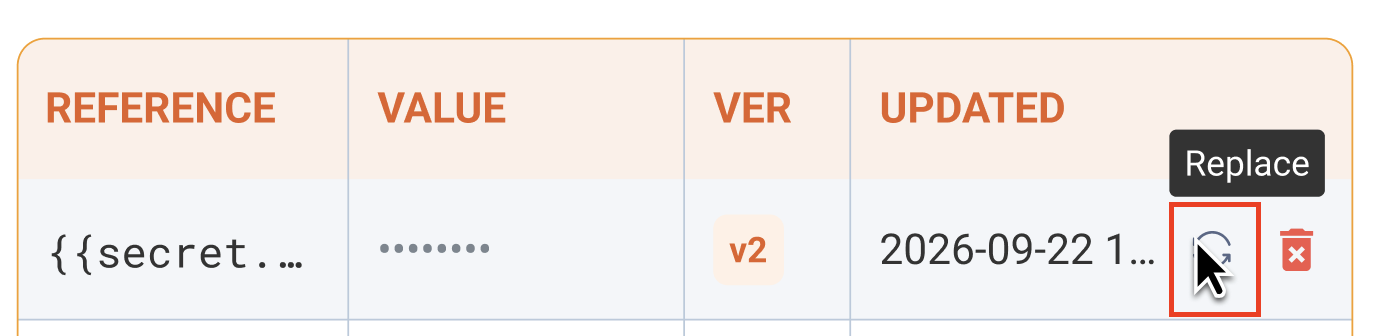
- Point at the secret you want to change, then select the Replace icon at the right of its row.
The form to replace the secret opens. It has the same fields as the form to add a secret. See Add a Secret for what each field means.
